Follow these instructions to connect your WinOLS database to our EVC WinOLS reseller database.
1. Find Your WinOLS/Customer Number
Locate your WinOLS customer number.

2. Log In and Update Account
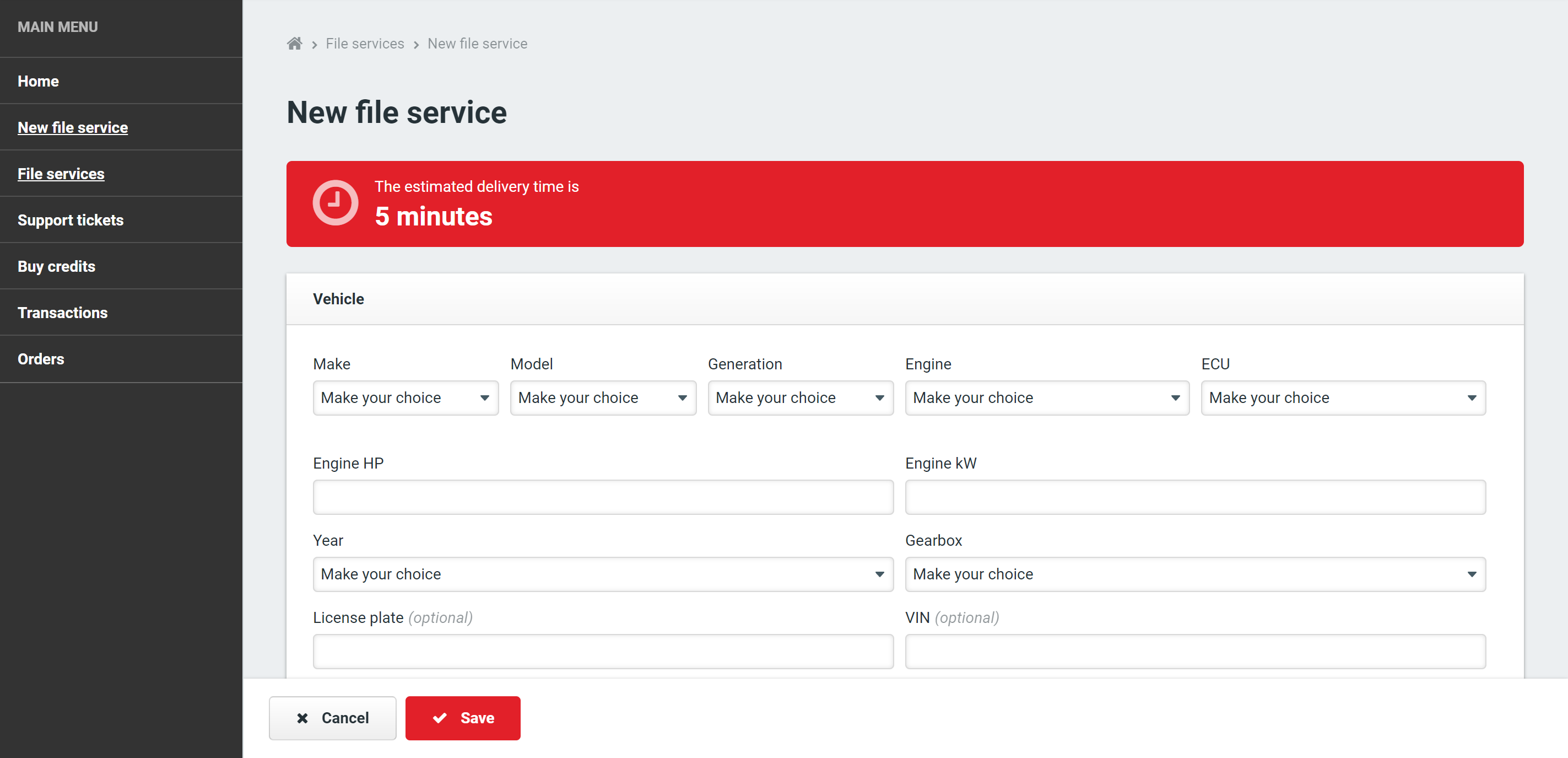
Visit Fast-Chiptuningfiles and log in to your account. Navigate to the ‘Edit Account’ section and enter your WinOLS/customer number.
3. Update WinOLS Settings
Open WinOLS and go to ‘Miscellaneous’ > ‘Updates + Registration’. Your WinOLS will now have a new client path.
4. Check Your Client Path
You can select the ‘Reseller-FCF’ option and view all our projects. When you upload a file in WinOLS and press Ctrl + Alt + O, select ‘Search Similar’ to see if the FCF-Reseller has the project available.

To download a project, purchase OLS Credits on our site.